





click "dump.bat" to read ESP32 board. it will save file as "firmware.bin".
click "flash.bat" to write any other new ESP32 board by "firmware.bin".
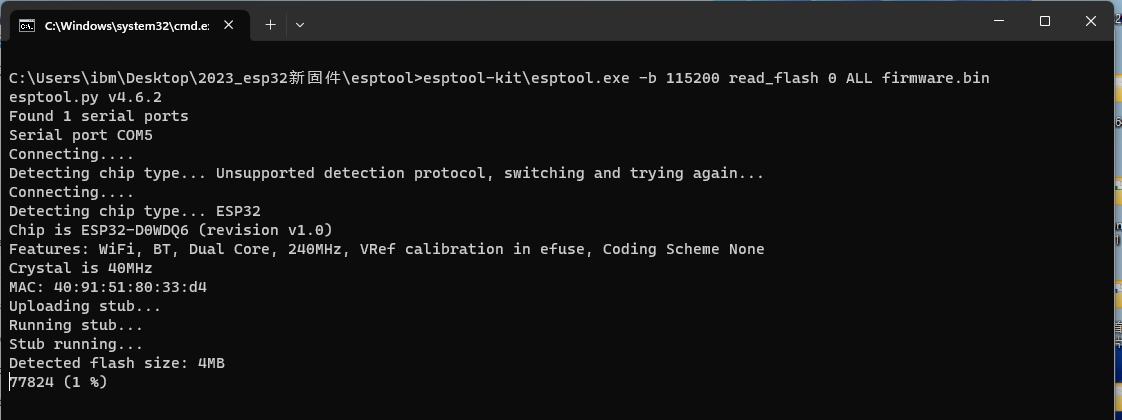
 esptool.zip (Size: 30.94 MB / Downloads: 2,711)
click "flash.bat" to write any other new ESP32 board by "firmware.bin".
esptool.zip (Size: 30.94 MB / Downloads: 2,711)
YouTube: https://www.youtube.com/c/KinCony
Online Store: https://shop.kincony.com
Alibaba Store: https://kincony.en.alibaba.com/
Online Store: https://shop.kincony.com
Alibaba Store: https://kincony.en.alibaba.com/
