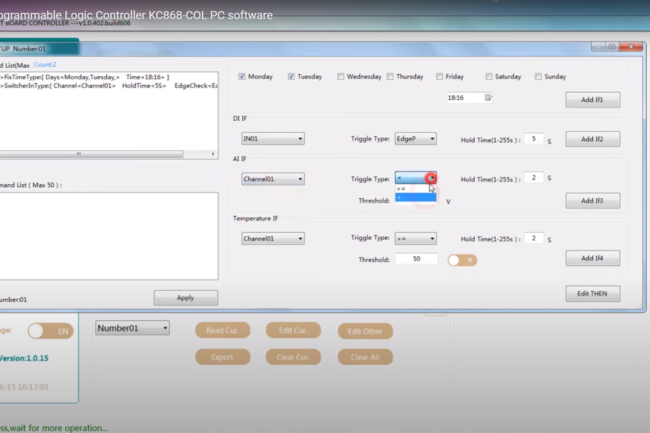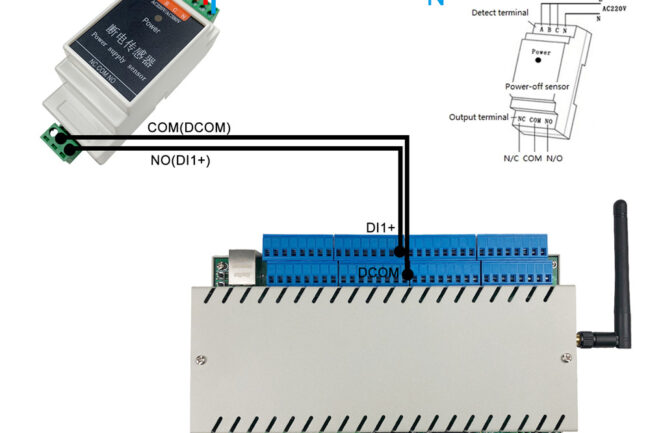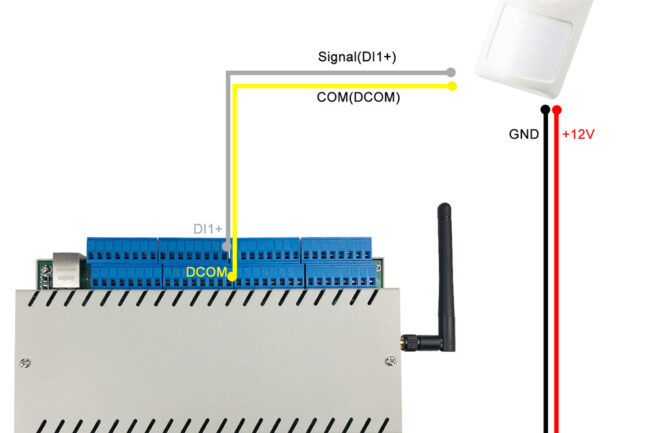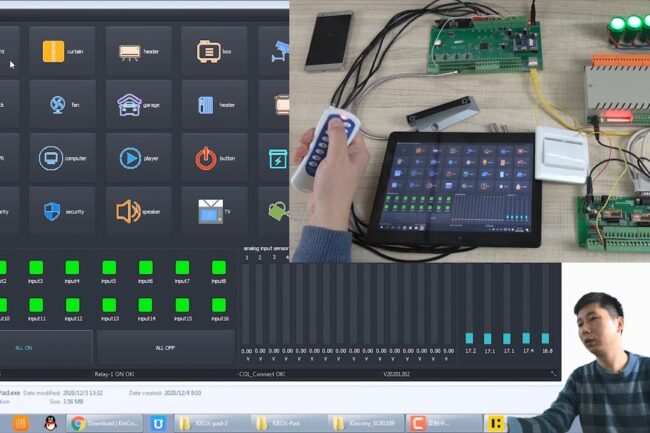

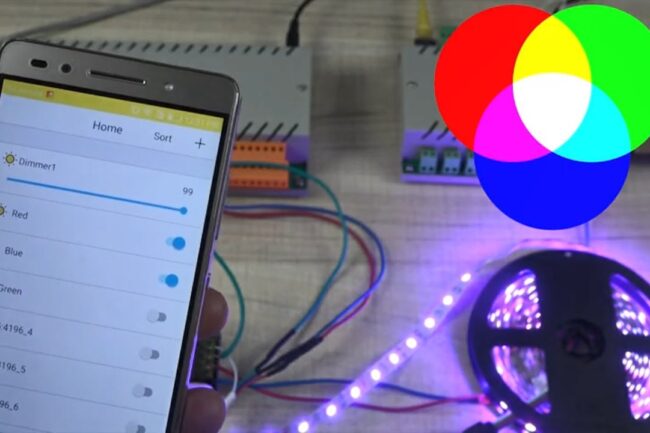
how to use PC and tablet computer application for KC868 controller
How to use KBOX-Pad application for windows PC and Win10 tablet control KC868-H32B ethernet wifi relay module and monitor for KC868-COL logical controller with digital , analog input , temperature sensor value. all ico and name text can be changed in INI config file. if you interest in our product , you can visit…
DetailsHow to use KC868-Server
[vc_row][vc_column][vc_column_text]1.Diagram of relay Controller Download PDF details Leds status different color means: Red: Controller is power on. Green: WiFi module is connect to your router successfully. White: network run in “TCP Client” mode or “MQTT” mode. Yellow: network run in “TCP Server” mode. Blue: network run in “UDP” mode. what’s UDP , TCP Server, TCP…
Detailshow to use KC868-HxB Relay Controller
[vc_row][vc_column][vc_column_text]1.Diagram of relay Controller A.KC868-H32BS B.KC868-H32B C.KC868-H16B D.KC868-H8B E.KC868-H4B F.KC868-H2B Led status different color means: Red: Controller is power on. Green: WiFi module is connect to your router successfully. White: network run in “TCP Client” mode. Yellow: network run in “TCP Server” mode. Blue: network run in “UDP” mode. what’s UDP , TCP Server, TCP…
Detailshow to use KC868-Hx Relay Controller
[vc_row][vc_column][vc_column_text]1.Diagram of relay Controller A.KC868-H32/H32W B.KC868-H16/H16W C.KC868-H8/H8W D.KC868-H4/H4W E.KC868-H2/H2W 2.Network Setting A.WiFi config (if you use ethernet version, skip WiFi config step): B.Set Work Mode for remote control (Need internet and KinCony’s cloud server) C.Set Work Mode for local LAN control (without internet) A.WiFi Config of SSID and Password for your router: 1. Install WiFi…
DetailsHow to use KC868-HA RS485 button adapter
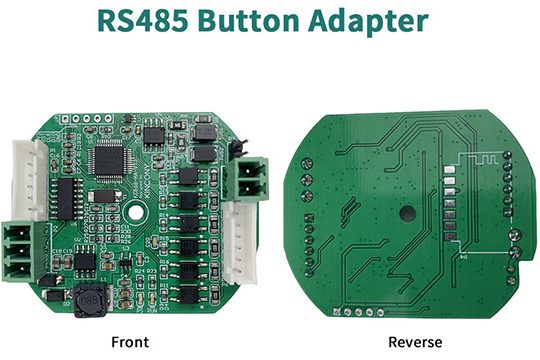
Hardware diagram: How to config: a. Use USB-RS485 adapter connect to KC868-HA. b. download KC868-HA config tool and open it Chose your USB Serial port, baud is “9600”, parity: None click “OPEN” button. Target Relay Controller Addr: it’s your relay controller’s RS485 address, such as we use KC868-H32B Pro or KC868-A series board’s RS485 setting…
DetailsHow to use KC868-H32LW 32 channel wifi relay module for smart home
Here is the Smart Home Tech Tour for 32 channel wifi relay controller of KC868-H32LW. use mobile phone turn ON/OFF 32 relays. Step by step tell you: how to connect wifi with your router; how to remote control by iPhone and Android phone APP-KinCony Smart Home; how to local control by iPhone and Android…
Detailshow to use KC868-H32L 32 channel ethernet relay module for smart home
Here is the Smart Home Tech Tour for 32 channel network ethernet relay controller of KC868-H32L. use mobile phone turn ON/OFF 32 relays. Step by step tell you: how to connect wifi with your router; how to remote control by iPhone and Android phone APP-KinCony Smart Home; how to local control by iPhone and…
Detailshow to use KC868-H32B Pro relay controller
1. Hardware interface 2. How to wire 3. Ethernet setting webpage 4. How to use TUYA phone app 5. How to voice control by Amazon Alexa speaker 6. How to voice control by Google home speaker 7. How to use Apple Homekit or enable development mode of ESP32 8. Protocol document for integration 9. How…
Detailshow to use KC868-D8 Dimmer Controller
[vc_row][vc_column][vc_column_text] 1. What switch panel or buttons can be used? KC868-D8 input ports (K1+ — K8+) and (K1- — K8-) support dry contact signal. You can use any dry contact switch buttons. Such as “K1+” for channel 1 brightness up, you just use “K1+” and “KCOM” for one button. “K2+” for channel 2 brightness up,…
Details