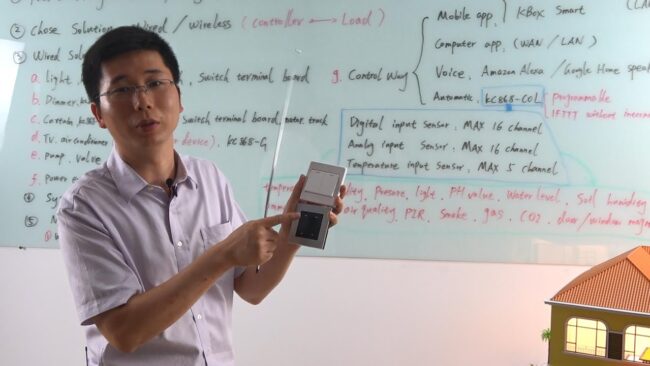
how to diy smart home automation project system for 0 beginner
Here is the Ultimate Smart Home Tech Tour for KinCony’s IoT module DIY. Step by step, it’s very easy to DIY. Perfect for Smart home 2020.


Here is the Ultimate Smart Home Tech Tour for KinCony’s IoT module DIY. Step by step, it’s very easy to DIY. Perfect for Smart home 2020.
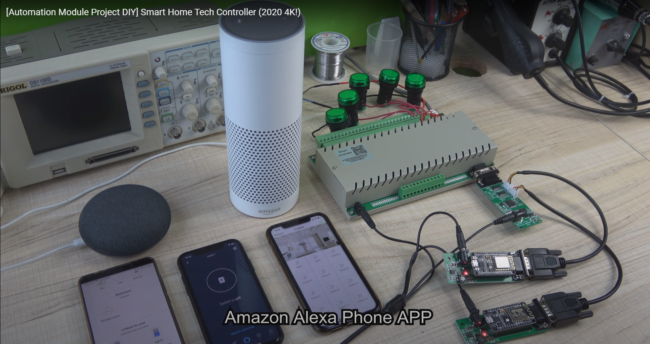
Here is the Ultimate Smart Home Tech Tour for Smart Home Automation Project DIY used by KinCony’s KC868 Smart Controller. It’s very easy to DIY. Perfect for Smart home 2020. Smart Controller also can connect with Arduino or node MCU or a raspberry pi. It is an open protocol and has a demo source…
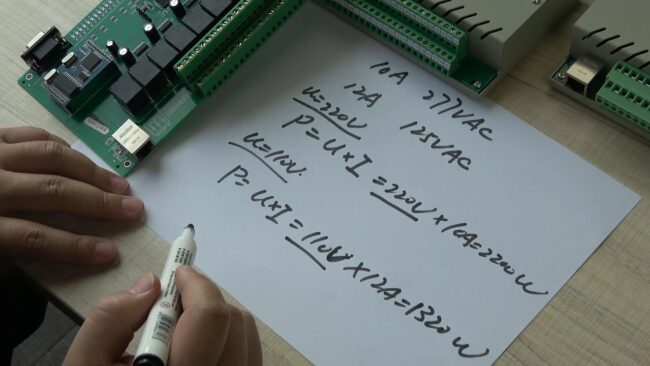
Here is the Smart Home Automation DIY Project use by KinCony’s KC868 smart network relay module and self-reset switch button. It’s very easy to DIY. Perfect for Smart home 2020. Smart Controller also can connect with Arduino or node MCU or a raspberry pi. It is an open protocol and has a demo source…
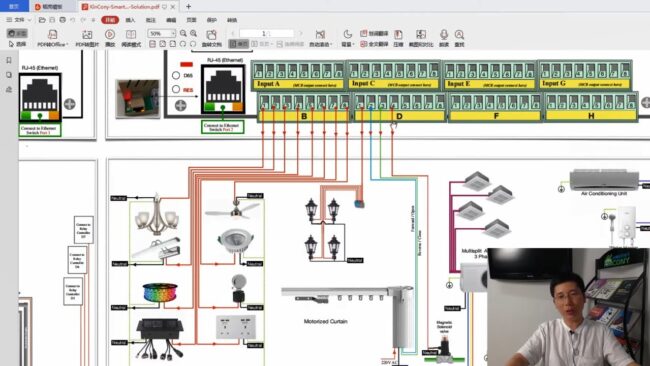
Here is the Ultimate Smart Home Tech Tour for KinCony’s IoT module DIY. Step by step, it’s very easy to DIY. Perfect for Smart home 2020.
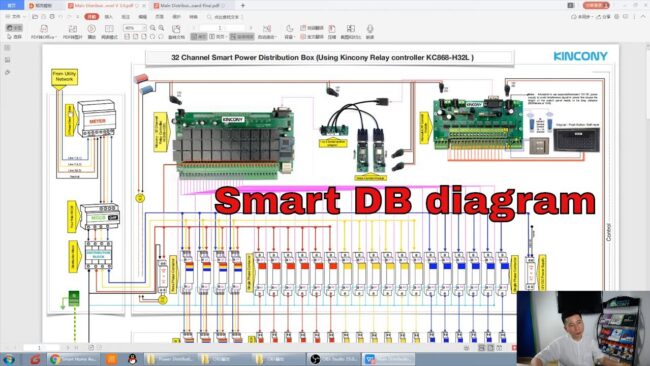
This video circuit diagram of the Smart Power Distribution Box is based on video link: https://youtu.be/URHqefy8FzM This is 3 units 3 phase + 23 units single phase DB. According to the principle of the circuit diagram, you can DIY out various channel versions by yourself.
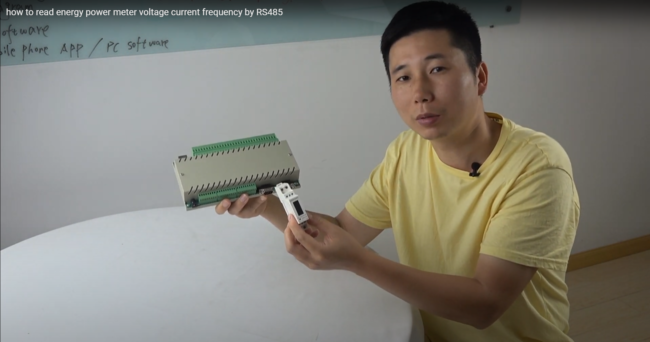
This video tells you how to read power meter voltage current frequency by RS485, send data to KC868-COL, read all data on PC software.

1. KC868-COL cooperates with the KC868-Hx relay controller to work as an automatic control system. KC868-COL is the AI brain and KC868-Hx is the actuator. KC868-COL uses the IFTTT command locally without the Internet. 2. Watch all sensors data on PC in real-time and do automatic control as a user preset. 3. Like a…
[vc_row][vc_column][vc_column_text]1.Diagram of relay Controller A.KC868-H32BS B.KC868-H32B C.KC868-H16B D.KC868-H8B E.KC868-H4B F.KC868-H2B Led status different color means: Red: Controller is power on. Green: WiFi module is connect to your router successfully. White: network run in “TCP Client” mode. Yellow: network run in “TCP Server” mode. Blue: network run in “UDP” mode. what’s UDP , TCP Server, TCP…
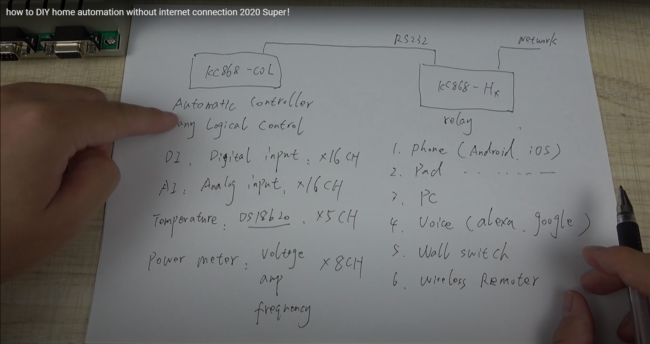
1. KC868-COL cooperates with the KC868-Hx relay controller to work as an automatic control system. KC868-COL is the AI brain and KC868-Hx is the actuator. KC868-COL uses the IFTTT command locally without the Internet. 2. Watch all sensors data on PC in real-time and do automatic control as a user preset. 3. Like a…

1. KC868-COL cooperates with the KC868-Hx relay controller to work as an automatic control system. KC868-COL is the AI brain and KC868-Hx is the actuator. KC868-COL uses the IFTTT command locally without the Internet. 2. Watch all sensors data on PC in real-time and do automatic control as a user preset. 3. Like a…
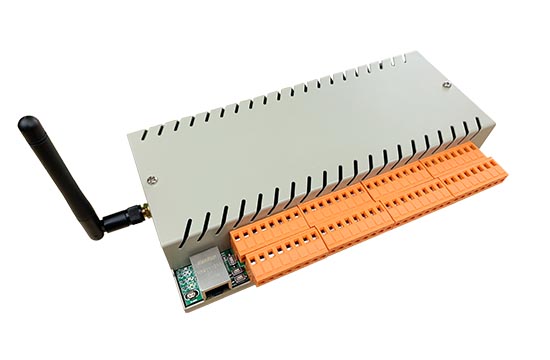
We improved ethernet wifi relay module — KC868-H32B for smart home automation DIY. The new model called “KC868-H32B”. What’s the difference between “KC868-H32B” and “KC868-H32L”? 1: Both have ethernet port and WiFi port. 2: Ethernet and WiFi work at the same time,you can use LAN application and WAN app at the same time, if internet…
We improved ethernet relay module — KC868-H32B for smart home automation DIY. The new model called “KC868-H32B”. What’s the difference between “KC868-H32B” and “KC868-H32L”? 1: Both have ethernet port and WiFi port. 2: Ethernet and WiFi work at the same time,you can use LAN application and WAN app at the same time, if internet broken…